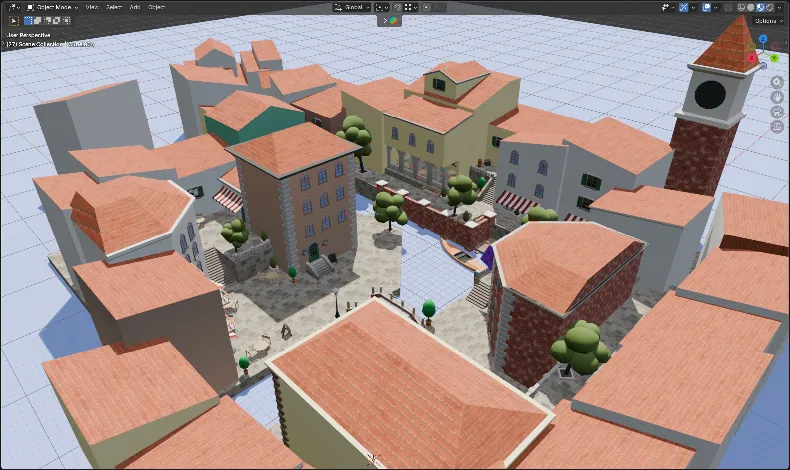
Third Person Character Controller
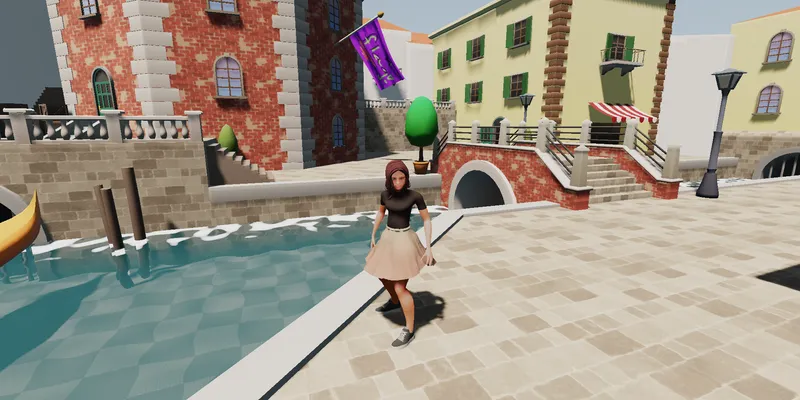 Live demo at thecoder5550.github.io/DAT205-project/
 Overview
My project for the course DAT205 Advanced computer graphics.
Cloth simulation
Cloth is simulated in a compute shader on the GPU using verlet integration. This is done in two passes to prevent race-conditions. First, each spring computes the force that will pull its connected point masses together, then for each mass, the forces of all connected springs get applied to the mass. The cloth simulation is used for the characters skirt and the big flag.
I made a 2d CPU version of the cloth simulation which showcases the algorithm much better:
See the Pen Parallelizable cloth simulation by Alfons Nilsson (@TC5550) on CodePen.
SubSurface Scattering (SSS)
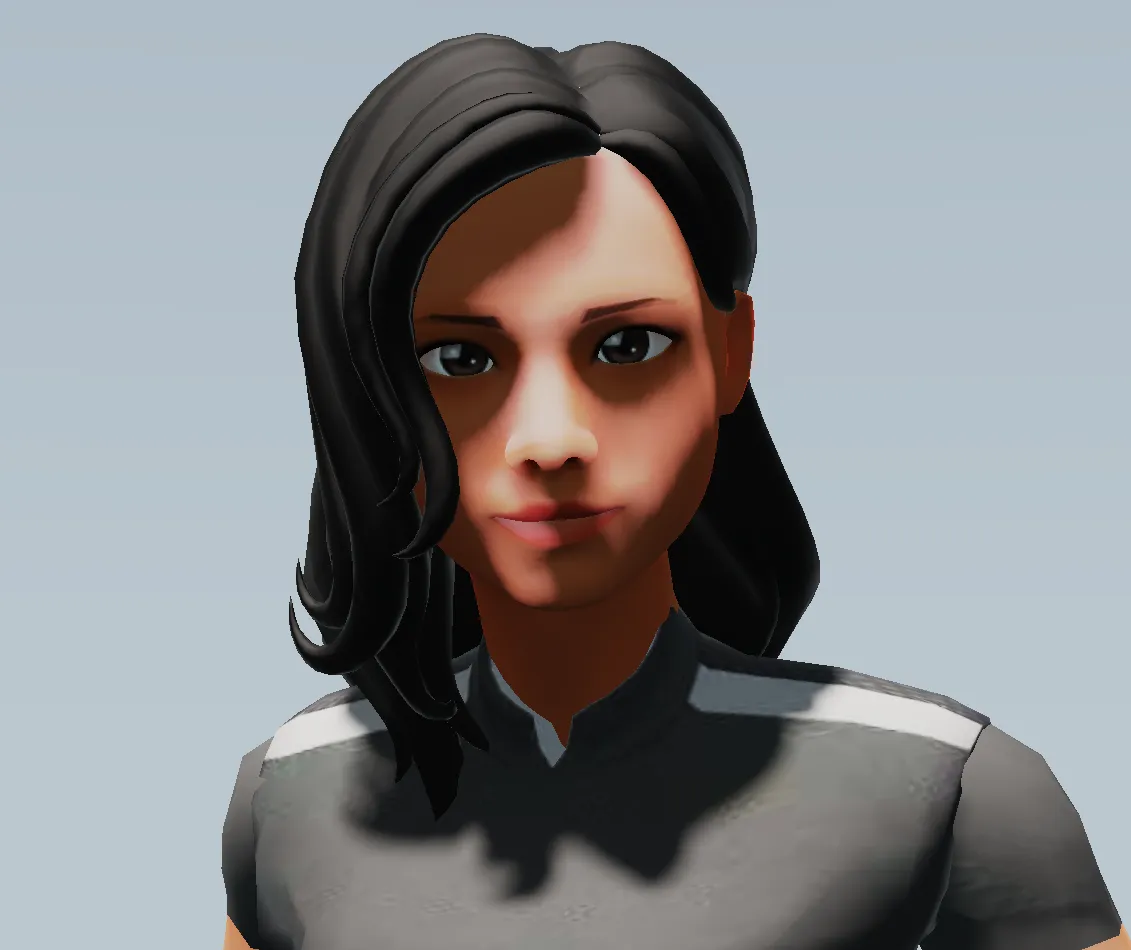
SSS is used to model skin. I fake it by adding a orange/pink shade in between shadowed and lit regions. This adds a warm highlight around shadows. There is also an orange rim light to fake scattering in thin translucent areas (visible around the ear in the figure below).
Global Illumination (GI)
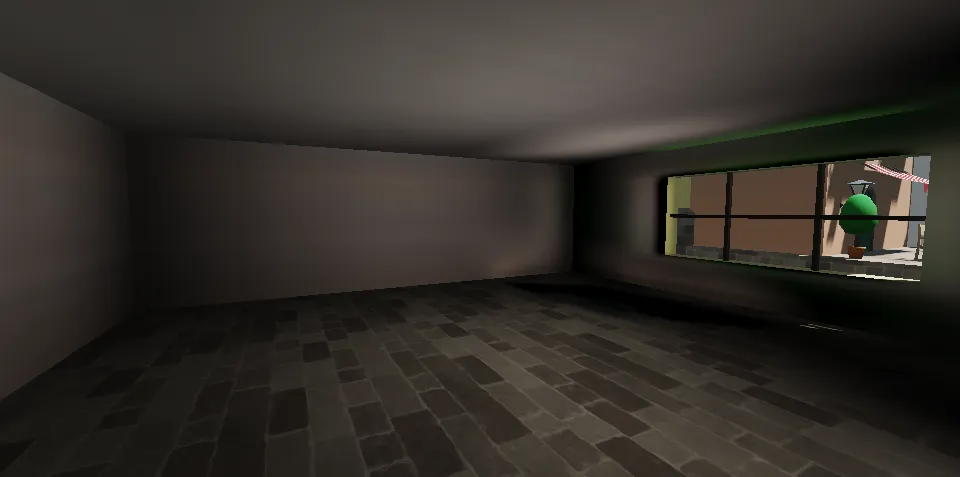
Global illumination is used to shade static and dynamic geometry in the indoor area. A dense grid of probes are placed where we want GI. Each probe captures a small cubemap around itself and an approximation of the incoming lighting is stored as the first 4 spherical harmonics (SH) coefficients. The SH coefficients are stored in three 3d rgba float textures, one texture for red, green, and blue. The 3d textures are sampled linearly which gives smooth blending between probes "for free". The textures also blurred using a 7x7 box filter to reduce blockiness even further. The probes are pre-baked and stored in 16-bit pngs which are loaded at startup.
Cascaded shadow maps
Cascaded shadow maps allow for shadows to cover large areas while still being high-res close to the camera. The implementation is inspired by the paper Parallel-split shadow maps for large-scale virtual environments.
Fan Zhang, Hanqiu Sun, Leilei Xu, and Lee Kit Lun. 2006. Parallel-split shadow maps for large-scale virtual environments. In Proceedings of the 2006 ACM international conference on Virtual reality continuum and its applications (VRCIA '06). Association for Computing Machinery, New York, NY, USA, 311–318. https://doi.org/10.1145/1128923.1128975
Distance based shadow blur
When enabled, shadows get blurrier the further away they are from the shadow caster. This is implemented by searching the surrounding area of a fragment in the shadow map and estimating the distance to the object casting the shadow. The shadow blur radius is then proportional to the distance. The implementation is based on the paper Percentage-Closer Soft Shadows.
Randima Fernando. Percentage-Closer Soft Shadows. NVIDIA Corporation. https://developer.download.nvidia.com/shaderlibrary/docs/shadow_PCSS.pdf
Screen-space water refraction
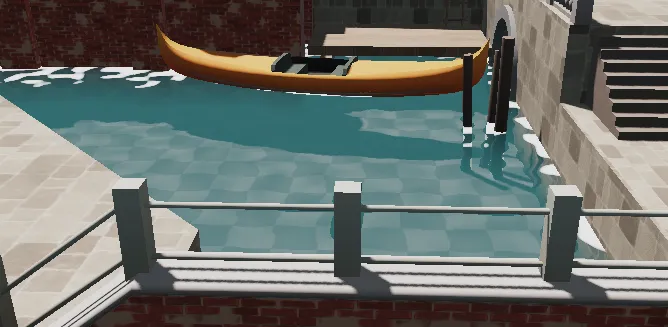
The water refracts the geometry below it. This is achieved by rendering the scene to a texture, duplicating the texture since reading and writing to the same texture is not allowed, and sampling the scene texture when rendering the water last. When sampling, the fragment position is offset by simplex noise before sampling the texture which gives the appearance of light refracting. The scene depth is used to compute the world space position of the underlying fragment below the water. The water depth is computed as the difference between the water y-level and overlaying scene y-level and used to blend between the scene color and water color. Foam is rendered where the water depth is near 0.
Physically Based Rendering and High Dynamic Range (PBR and HDR)
HDRIs are used for indirect lighting. Everything is rendered to a floating point texture in HDR. A fullscreen post-processing shader is used to apply tone mapping, which convert from HDR to LDR, and gamma correction. HDR was required for the GI to look good.
Procedural skybox
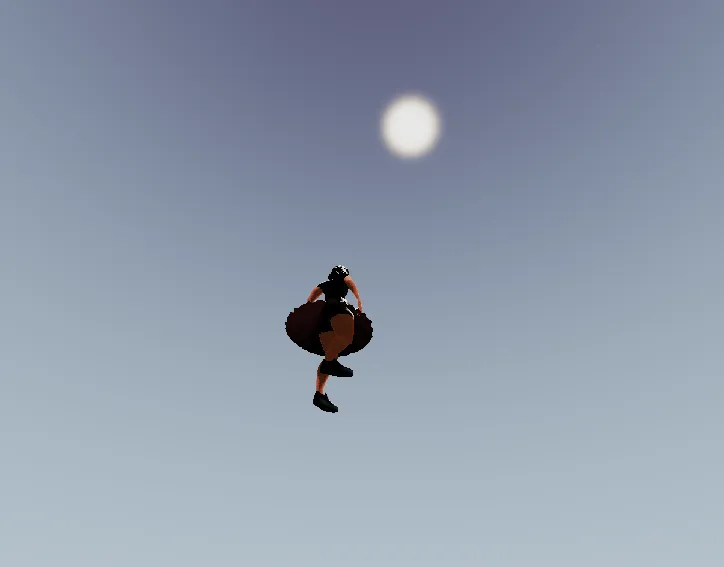
The skybox is just a two-color gradient between the horizon and zenith. The sun is rendered by taking the dot-product between the view direction and sun direction.
Animation blending with skinning
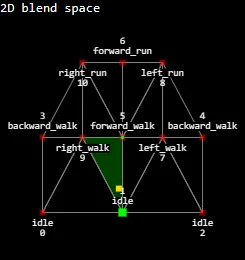
The player model uses basic skinning to animate the mesh and blends between different walking/running animation based on the speed and direction. The blending is achieved by using a 2d blend space inspired by Unreal Engine. Every animation is placed in the blend space on 2d points (x, y) where x is the direction of movement (the angle between the velocity and forward vector mapped to the range -1 and 1) and y the speed (Length of velocity). The points are triangulated using delaunay triangulation and to blend between animations, we take the barycentric coordinates of the sample point (the players current direction and speed) for the triangle the point lies in and uses when as weights for the animations. This means that we can only blend between 3 animations at a time.
Character controller with collisions
The player character uses a simple character controller with acceleration, friction and collisions. The character has a capsule collider and collides with the environment by doing capsule-triangle intersection tests. When the player intersects a triangle, the velocity is projected on plane defined by the triangle normal and the position is moved along the collision normal by the collision depth. To prevent sliding down slopes, the collision normal is snapped to the world up direction as long as the slope is not too steep. The movement acceleration is also projected along the actual slope normal to prevent the player from bouncing when running down slopes.
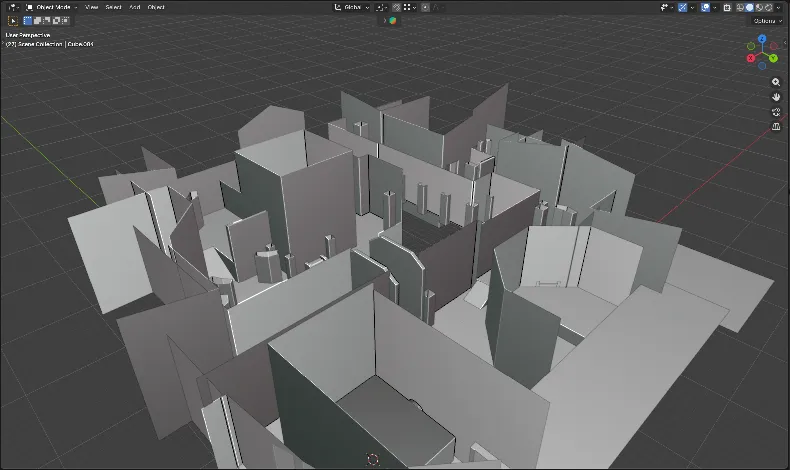
No acceleration structure is used for finding nearby triangles, every triangle is checked every frame. Although a AABB-AABB test is done first for each triangle to skip capsule-triangle tests for most triangles. There are pretty few triangles and the performance is fine.